
‹ All features1 of 13
Daily schedule
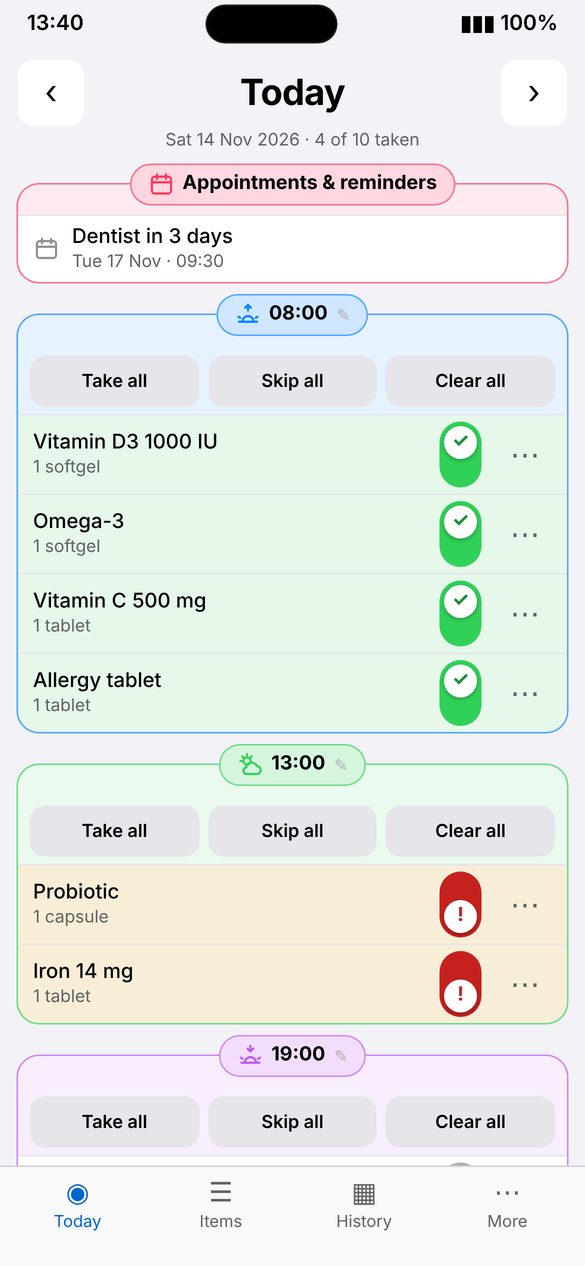
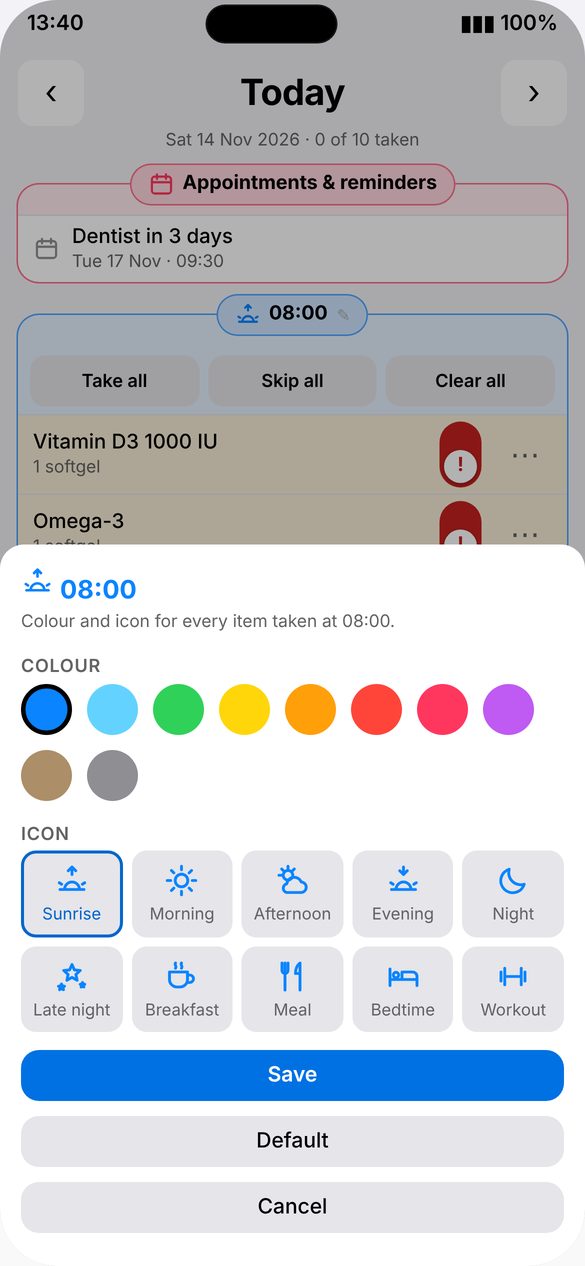
Your day is grouped into time slots, from morning to night. Give each slot its own color and icon, so you can tell them apart at a glance.
How to use
- Open Today to see every slot for the day.
- Tap the pencil next to a slot time to pick its color and icon.
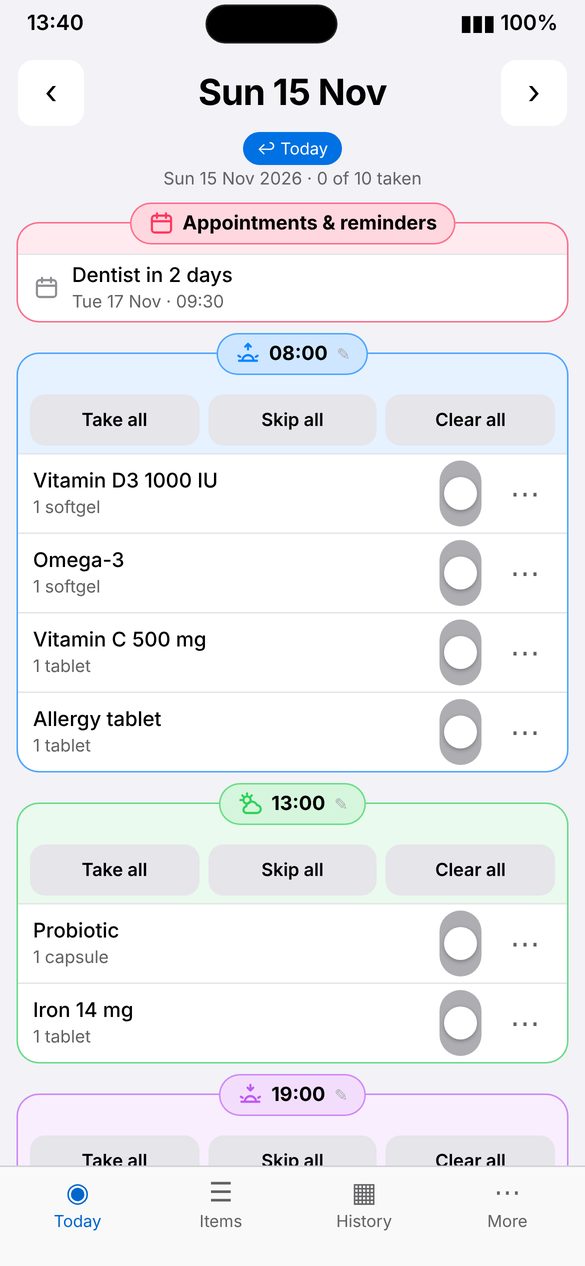
- Switch between Today and Tomorrow at the top. Past days are in History.