‹ All features10 of 13
Your colors
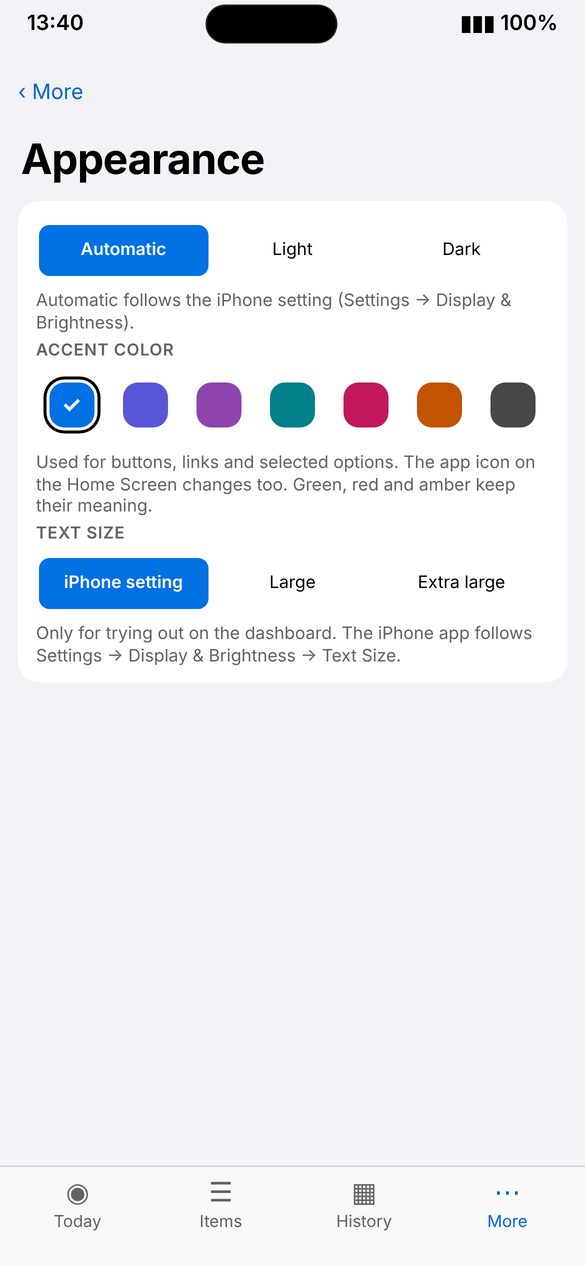
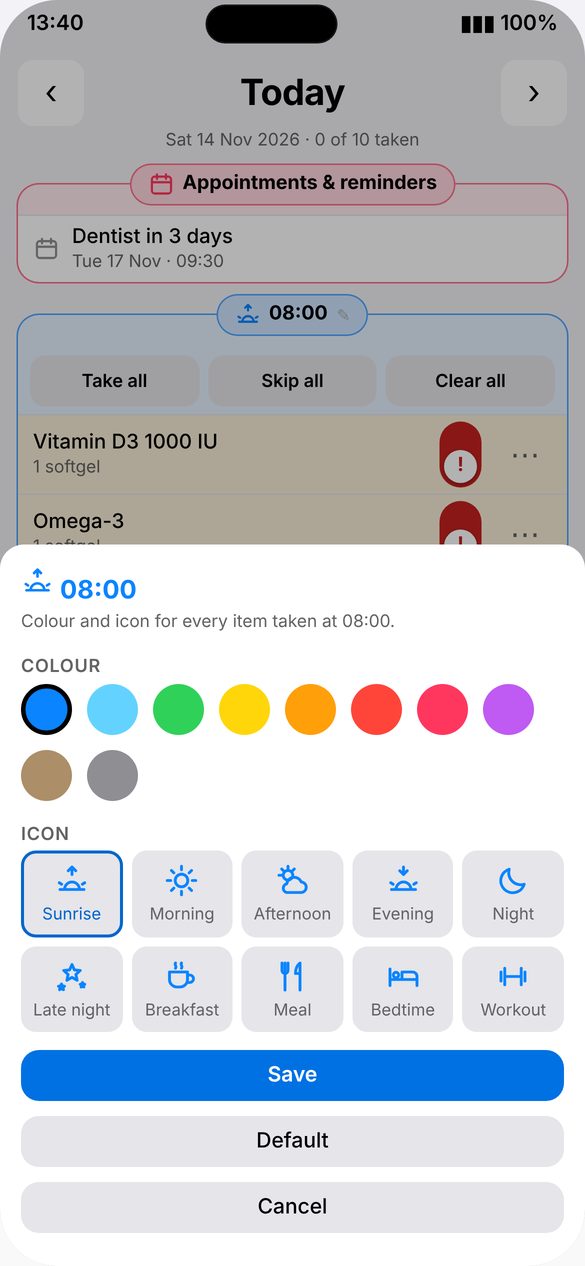
Pick one of seven colors for the whole app, and give each time slot its own color and icon.
How to use
- Open More › Appearance and tap a color.
- On Today, tap the pencil next to a slot time.
- Pick the slot’s color and icon.
‹ Apple WatchAccessible ›