
‹ All features11 of 13
Accessible
RoutineShape works with VoiceOver and follows the text size you set on your iPhone. Every state has its own symbol, so you never need to rely on color alone.
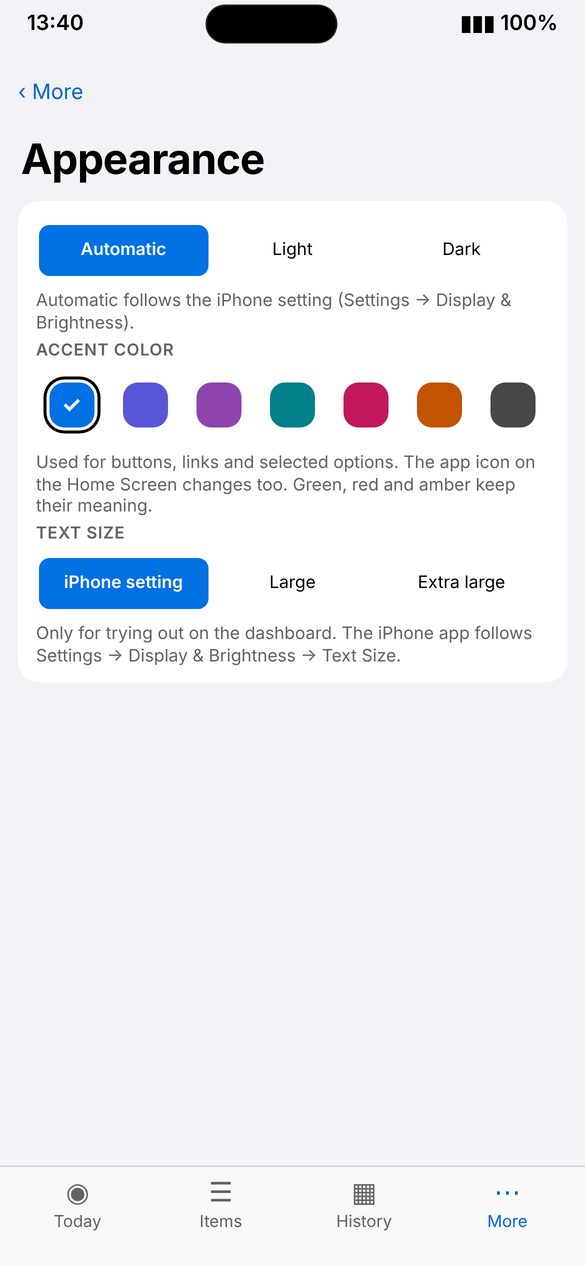
Screenshot: Symbols
Screenshot coming soon
Screenshot coming soon
How to use
- Turn on VoiceOver or larger text in iPhone Settings › Accessibility.
- Open RoutineShape. It follows your settings.
- Look for ✓ taken, ✕ skipped and ! due.